



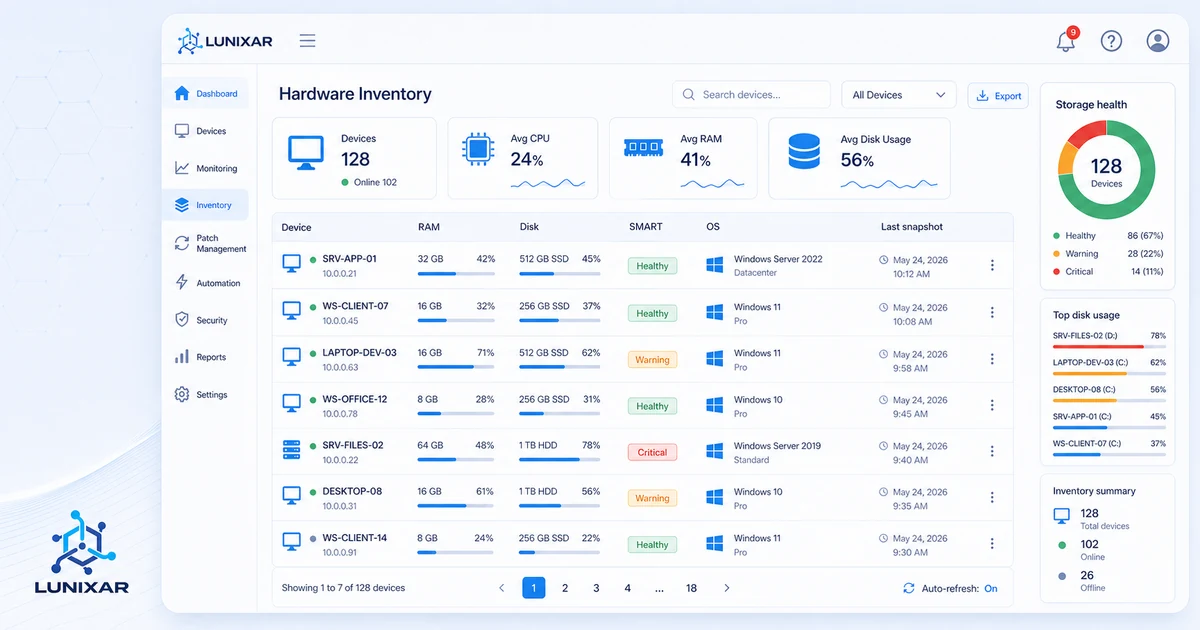
Hardware inventory
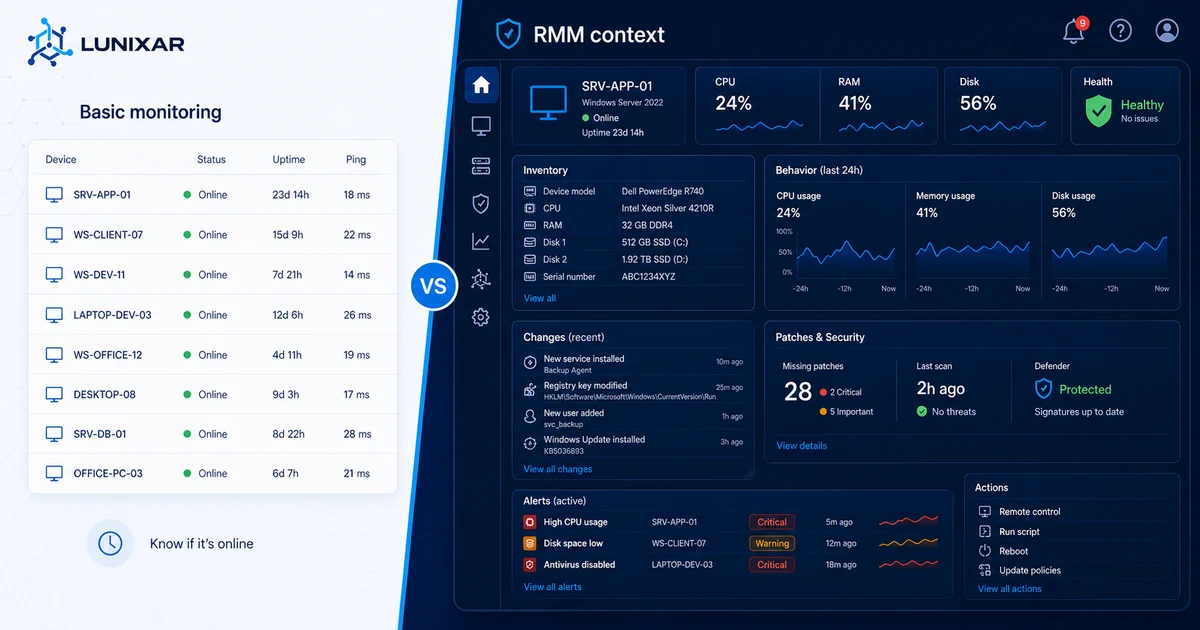
Review CPU, memory, disks, operating system, and technical details for every managed endpoint.

Device management
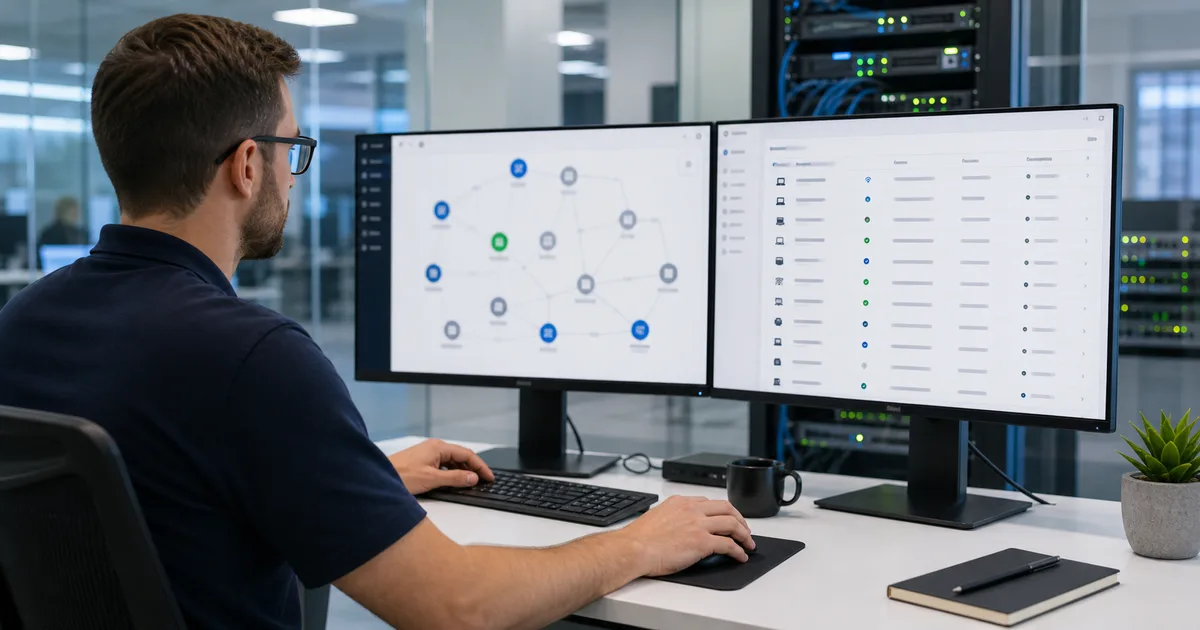
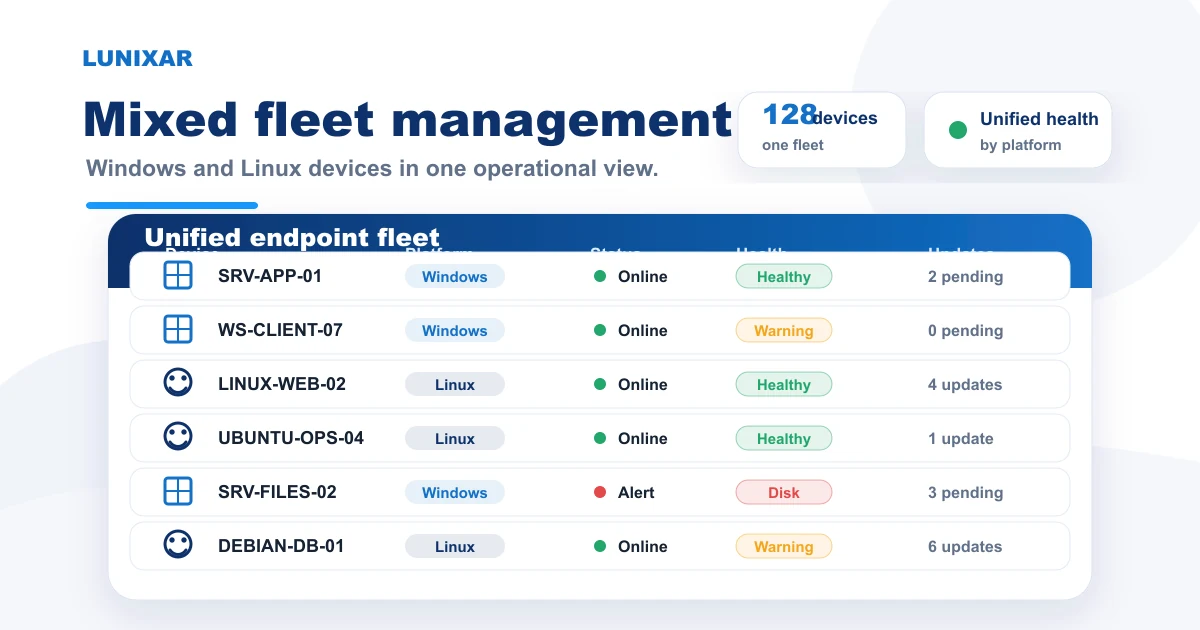
Centralize Windows and Linux devices, live status, inventory, patches, processes, and services so your team can spot issues and act with context from one console.
No credit card · Up to 5 devices · Full access
Operational capabilities
Review fleet status and move from diagnosis to action without rebuilding context across disconnected tools.
Review CPU, memory, disks, operating system, and technical details for every managed endpoint.
Review installed applications and retain up to five inventory snapshots per device.
Identify disconnected devices and CPU, RAM, disk, or antivirus signals that need attention.
Inspect active processes and system services before intervening on an endpoint.
Connect inventory with Windows and Linux patch status to prioritize maintenance.
Run repeatable tasks across selected devices instead of working endpoint by endpoint.
Operating flow
A simple path to gain control over inventory and device health.
Connect
Register Windows or Linux devices with an installer linked to your account and organization.
Organize
Filter by organization, location, or status to reach the correct endpoint quickly.
Act
Open inventory, monitoring, patching, processes, services, or automation from the same workflow.
Operational value
Less manual work, more control and visibility.
FAQ
Capacity depends on the plan. Professional includes 250 endpoints in the shared pool per license and can grow with 100-endpoint packs at USD 39/month or USD 390/year. The Device Plan charges USD 0.75/endpoint/month or USD 7.50/endpoint/year.
Hardware (CPU, RAM, disk, OS), installed software, pending patches, active processes, system services, and antivirus status.
Centralized device management means keeping inventory, monitoring signals, patch status, services, processes, and remote actions in one console so IT teams can make decisions without checking endpoints manually one by one.
Yes. The agent is available for Windows and compatible Linux distributions, allowing mixed management from the same console.
Multi-client management lets you separate and filter endpoints by organization, making it easy for MSPs managing multiple accounts.

Fast start
Try Lunixar RMM for 2 weeks with no card and validate the workflow using real endpoints from your operation.

